
Debugging Silent WebSocket Disconnects in Spring Boot (Tomcat 8KB Buffer Limit)
Spring Boot WebSocket connections can fail silently when handling
large STOMP
messages—leaving the client/developer with no errors, no logs, and no clear explanation
of what went wrong. When a STOMP message exceeds Tomcat’s default 8KB WebSocket buffer
(WsServerContainer),
the container immediately closes the connection…
Large Payloads Challenge: The Hidden 8KB Limit
Real-time applications built on Spring Boot and WebSockets often work flawlessly—until they don’t. Small messages flow without issue, reconnects appear healthy, and everything looks stable in development.
Then a real-world payload arrives. A Base64-encoded audio chunk. A streamed AI response. A large STOMP message around 50–70 KB.
Suddenly, the WebSocket connection drops. The browser shows a reconnect. The server logs show nothing.
From the client’s perspective, the server simply vanished. From the server’s perspective, nothing happened at all. No exception. No stack trace. No warning.
At this point, most developers start debugging the wrong layers—STOMP configuration, message converters, broker settings, or even application logic— because there is no signal that the failure occurred below Spring Boot.
CloseStatus 1009—before Spring’s WebSocket or messaging layers ever
see the message. This led to the creation of
Spring Boot Issue #47944 and a dedicated reproduction suite for the Spring framework team.
In the sections that follow, we’ll break down why this happens, how to confirm it using targeted logging, and the correct way to override Tomcat’s WebSocket limits in Spring Boot—without relying on brittle workarounds.
The Setup: “It Should Be Simple, Right?”
The architectural goal was straightforward: Capture real-time audio in the browser, encode it for transport, and stream it to a Spring Boot backend via a STOMP WebSocket. This is a standard pattern for modern multimodal AI applications where low-latency interaction is key.
Real-time AI Assistant
I encountered this 8KB bottleneck while building a real-time AI assistant. If you are scaling your
WebSocket implementation for AI, you might also run into session persistence issues. See how
I
solved that here
Google AI Agent SDK & Firestore Guide.
The Client-Side: Browser to Socket
On the frontend, we use the MediaRecorder API to capture audio chunks. To send this over a text-based STOMP frame, we encode the binary blob into a Base64 string.
// app.js - Capturing and Publishing Audio
const reader = new FileReader();

reader.onload = () => {
  // Extract the Base64 string from the Data URL
  const base64Audio = reader.result.split(',')[1];

  const payload = {
    audioData: base64Audio,
    mimeType: recordedAudioBlob.type // e.g., 'audio/webm'
  };

  // For a typical 1-second audio clip, this payload is ~70KB
  console.log(`Publishing to /app/audio. Size: ${payload.audioData.length} bytes.`);

  stompClient.publish({
    destination: "/app/audio",
    body: JSON.stringify(payload)
  });
};

reader.readAsDataURL(recordedAudioBlob);
Server-side handler: Controller
@MessageMapping("/audio")
public void handleAudioMessage(AudioMessage audioMessage) {
    logger.info("Received audio message!");
    // ... process the audio
}
Investigation & Elimination
Checkpoint 1: Message Size Limits
First suspect — message size. Easy fix, right?
# application.properties
server.tomcat.websocket.max-text-message-buffer-size=10485760   # 10MB
spring.websocket.messaging.stomp.message-size-limit=10485760     # 10MB
@Override
public void configureWebSocketTransport(WebSocketTransportRegistration registration) {
    registration.setMessageSizeLimit(10 * 1024 * 1024);
    registration.setSendBufferSizeLimit(10 * 1024 * 1024);
}
Checkpoint 2: Spring Security Configuration
Secondary hypothesis involved Spring Security blocking the request. Disabling CSRF and CORS provided no
resolution.
Permitted all requests to /ws/**
Disabled CSRF
Even removed spring-boot-starter-security entirely
Restarted the server, result ❌ Same silent disconnect.
The Breakthrough: Enabling Observability
When the framework is silent, you must force it to speak. Enabling DEBUG logging for the
org.springframework.web.socket package revealed the underlying error code which was
previously
swallowed:
logging.level.org.springframework.web.socket=DEBUG
logging.level.org.springframework.messaging.simp=DEBUG
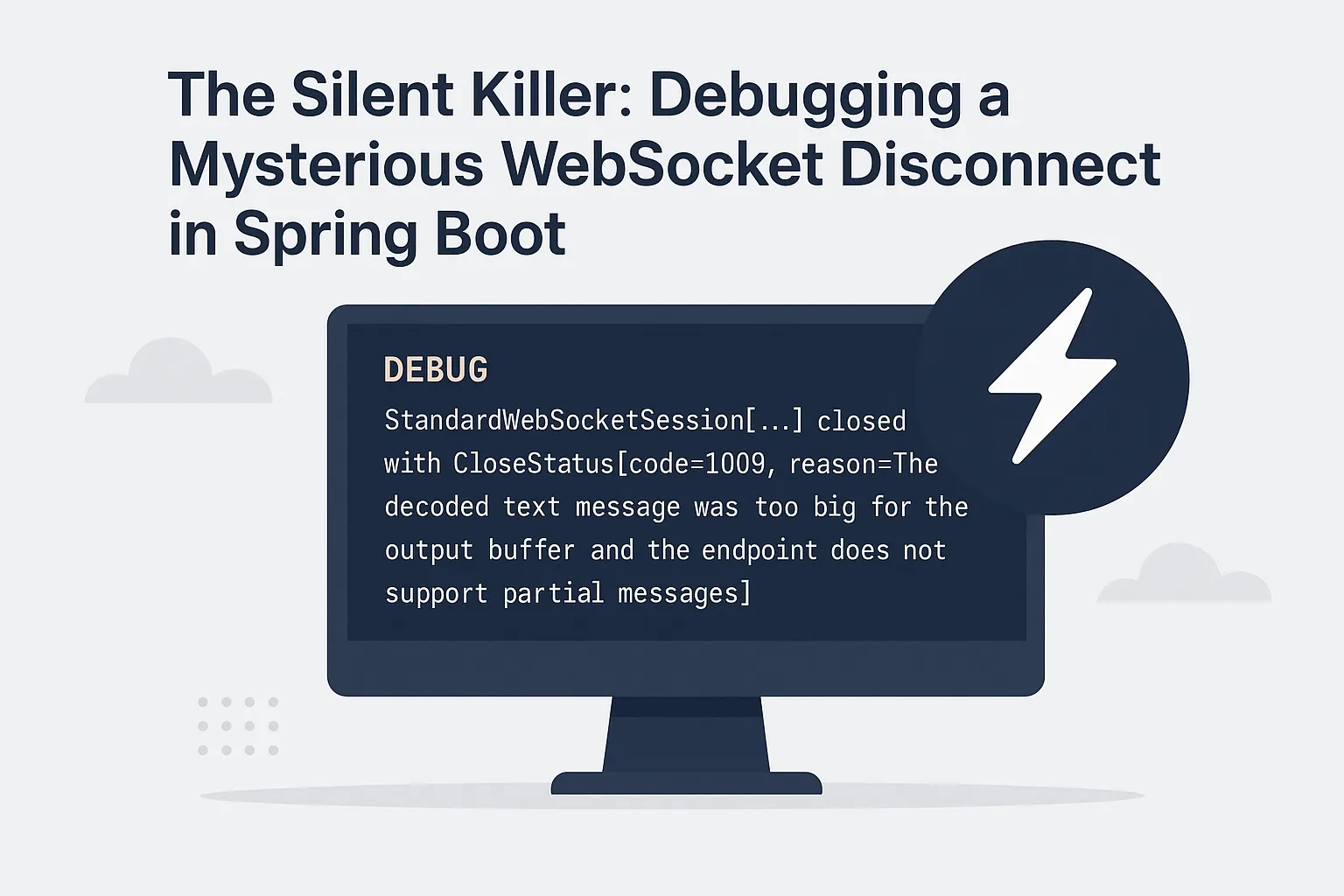
o.s.w.s.h.LoggingWebSocketHandlerDecorator : StandardWebSocketSession[...] closed with CloseStatus[code=1009, reason=The decoded text message was too big for the output buffer and the endpoint does not support partial messages]
Enabling `DEBUG` logging for the `org.springframework.web.socket` package revealed the underlying error code which was previously swallowed:
CloseStatus[code=1009, reason=The decoded text message was too big for the output buffer...]This default is defined in Tomcat's internal Constants.java and, crucially, there are no standard Spring Boot properties to override it.
The Workaround: Customizing the Container
The effective resolution required bypassing high-level Spring configuration and directly customizing the
embedded Tomcat container. Specifically, the WsServerContainer needed explicit
configuration to increase
setMaxTextMessageBufferSize and
setMaxBinaryMessageBufferSize beyond the
default
8KB.
@Bean
public WebServerFactoryCustomizer tomcatCustomizer() {
   return factory -> factory.addContextCustomizers(context ->
       context.addServletContainerInitializer((sci, servletContext) -> {
           org.apache.tomcat.websocket.server.WsServerContainer container =
               (org.apache.tomcat.websocket.server.WsServerContainer)
                   servletContext.getAttribute("jakarta.websocket.server.ServerContainer");
           if (container != null) {
               // Customizing the container to increase the buffer size
               int bufferSize = 10 * 1024 * 1024;
               container.setMaxTextMessageBufferSize(bufferSize);
               container.setMaxBinaryMessageBufferSize(bufferSize);
           }
       }, null)
   );
}
Official Framework Recognition & Resolution
This behavior was confirmed after i opened an issue with the Spring Boot team and discussed it directly with a core maintainer, leading to documentation updates for improved clarity.
With GitHub issue
47944 the Spring team acknowledged the documentation gap and provided a resolution. Andy Wilkinson
from
the core team has since opened Spring Boot Issue #47951 to address the documentation
gap
and that issue has been closed with a resolution.
The Immediate Fix (via Servlet Context)
The team updated the documentation to show that you can currently override these buffers using servlet context parameters in your application.properties:
server.servlet.context-parameters.org.apache.tomcat.websocket.binaryBufferSize=512000
server.servlet.context-parameters.org.apache.tomcat.websocket.textBufferSize=512000
The Long-term/future Fix (via Custom Configuration)
Spring-Boot framework has first class dedicated properties for the websocket buffer sizes inWsServerContainer like below which seems to be the spring-boot way. For that
we are waiting for
pending design review and approval.
server.tomcat.websocket.max-binary-message-buffer-size=512KB
server.tomcat.websocket.max-text-message-buffer-size=512KB
How to Reproduce Silent WebSocket Disconnects Locally
To validate that the silent WebSocket disconnect is caused by Tomcat’s default 8KB buffer limit—and not
application logic—I created a minimal, reproducible Spring Boot project.
The repository demonstrates:
- A failing scenario using Tomcat’s default WebSocket buffer configuration
- A toggleable workaround that prevents the disconnect by adjusting the buffer size
Repository: github.com/mohan-ganesh/tts-services
- Steps:
- Clone the repo and navigate to the project directory.
- Set
server.tomcat.max-websocket-message-size.override=falseinapplication.properties. - Run the app and connect via
http://localhost:8080. - Send a 5-10 second audio recording.
- Observe the CloseStatus[code=1009] in the server logs.
server.tomcat.max-websocket-message-size.override=true) prevents the
disconnect, confirming
that the
issue is tied to WebSocket message size limits rather than application-level errors.
Conclusion
Modern frameworks like Spring Boot provide excellent abstractions, but they sit atop deep technology stacks (like Tomcat). When high-level configurations strictly fail to resolve resource limit issues, it is often necessary to inspect and configure the underlying container's defaults.
Ready to build more with WebSockets?
Now that your transport layer is stable, take it to the next level by implementing real-time voice and video. Check out my deep dive on Building Multimodal (audio/video) experiences with the Gemini Live API.
Implementation FAQ & Common Pitfalls
How This Works (Implementation Steps)
-
Enable Debug Logging
Configurelogging.level.org.springframework.web.socket=DEBUGto reveal the hiddenCloseStatus 1009error. -
Identify the Buffer Limit
Verify that the payload exceeds the default8192 byte (8KB)limit of the embedded TomcatWsServerContainer. -
Implement WebServerFactoryCustomizer
Add a Spring Bean to programmatically increase themaxBinaryMessageBufferSizein the Tomcat container.
Frequently Asked Questions
Was this a Spring Boot bug?
No. The silent WebSocket disconnect is caused by Tomcat’s default 8KB buffer limit. However, the lack of visibility and documentation in Spring Boot made the issue difficult to diagnose. This gap has since been addressed through updated documentation after discussion with the Spring team.
Why does my Spring Boot WebSocket disconnect silently for large payloads?
This is often caused by a hidden Tomcat buffer limit. If the incoming message size
exceeds
the configured max-binary-message-buffer-size, the connection is closed
immediately without a descriptive error.
How do I fix WebSocket buffer limit issues in Spring Boot?
You must explicitly configure the WebSocket message buffer sizes. Set
server.standard.max-binary-message-buffer-size to a higher value
(for example, 524288 for 512KB) based on your payload requirements.
What is the default WebSocket message size in Tomcat?
The default buffer size is typically 8KB, which is easily exceeded by base64-encoded audio or video frames produced by modern AI systems such as Gemini Live.
What causes the 1009 error "The decoded text message was too big for the output buffer" and how do I fix it?
This error (CloseStatus 1009) occurs when an incoming WebSocket payload—such as a large Base64 audio frame or JSON object—exceeds the default 8KB (8192 bytes) buffer limit of the underlying Tomcat WsServerContainer.
The Fix: You must implement a
WebServerFactoryCustomizer to programmatically override the buffer
limits. Detailed code and implementation steps can be found in the Workaround section of this guide.
                                        CloseStatus[code=1009, reason=The decoded text message was too big for the output
                                        buffer and the endpoint does not support partial messages]